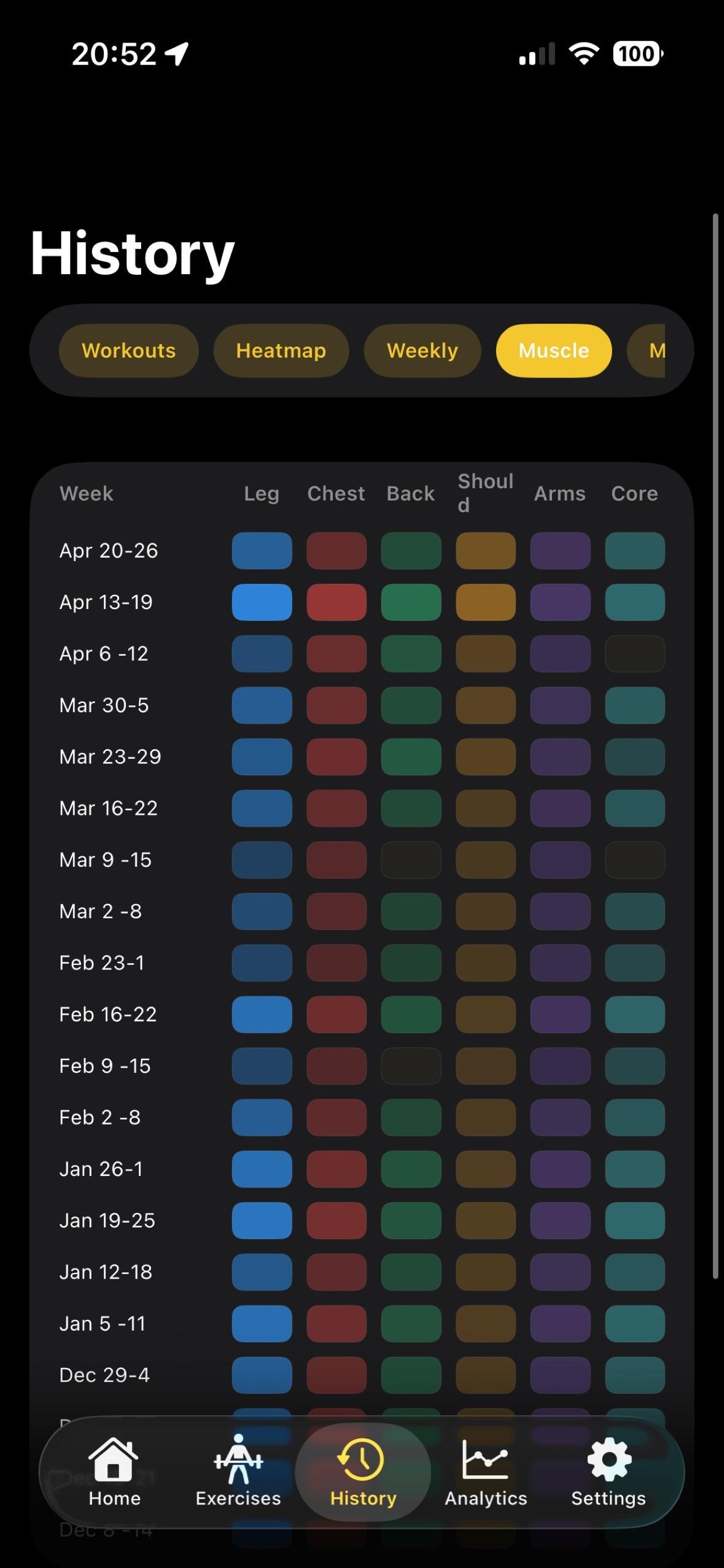
Built for people who lift consistently and want an app that helps, not one that constantly asks for attention.
Quick Start
Get Started in Under a Minute
Open the app, pick units, and start lifting. Setup is short because your workout already has enough admin.
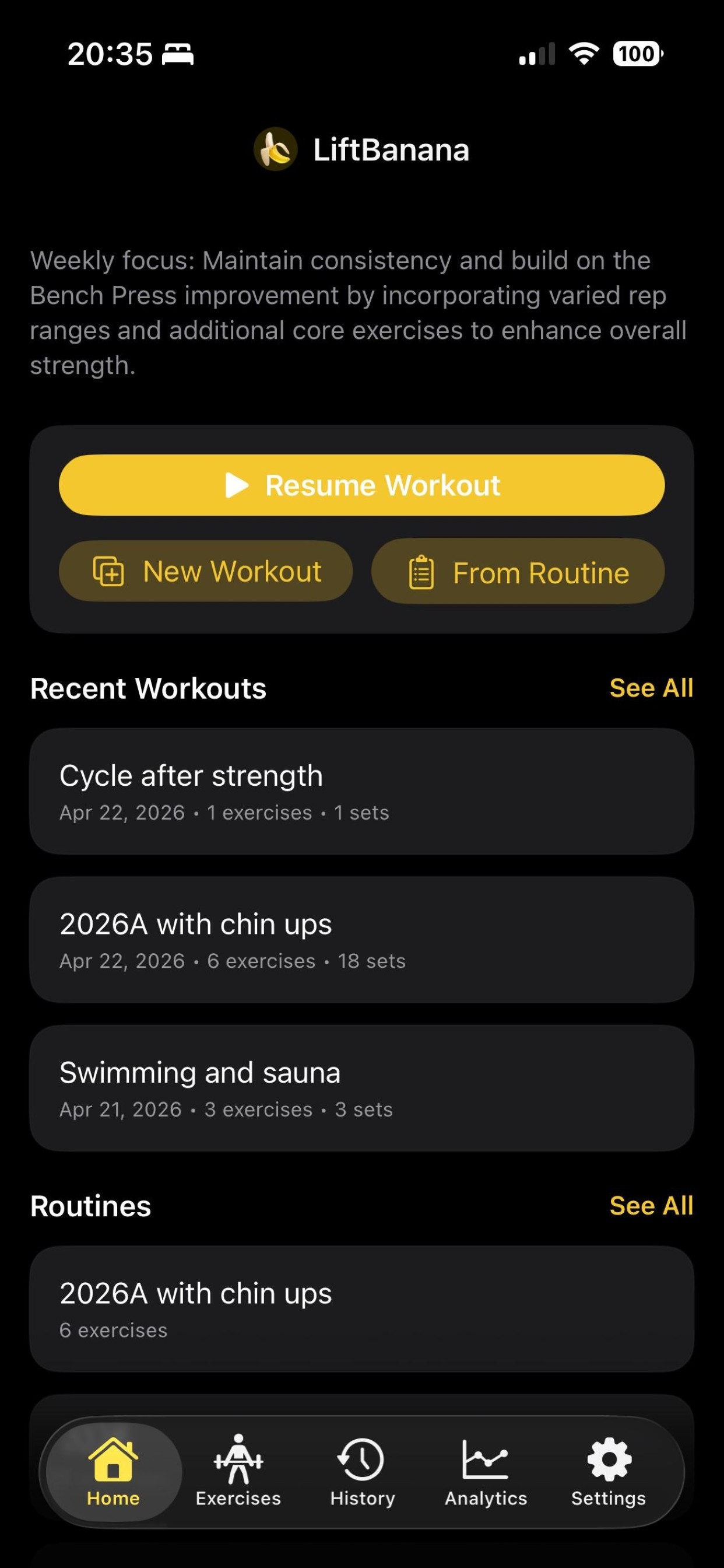
- Choose kg or lb during onboarding and adjust later in settings.
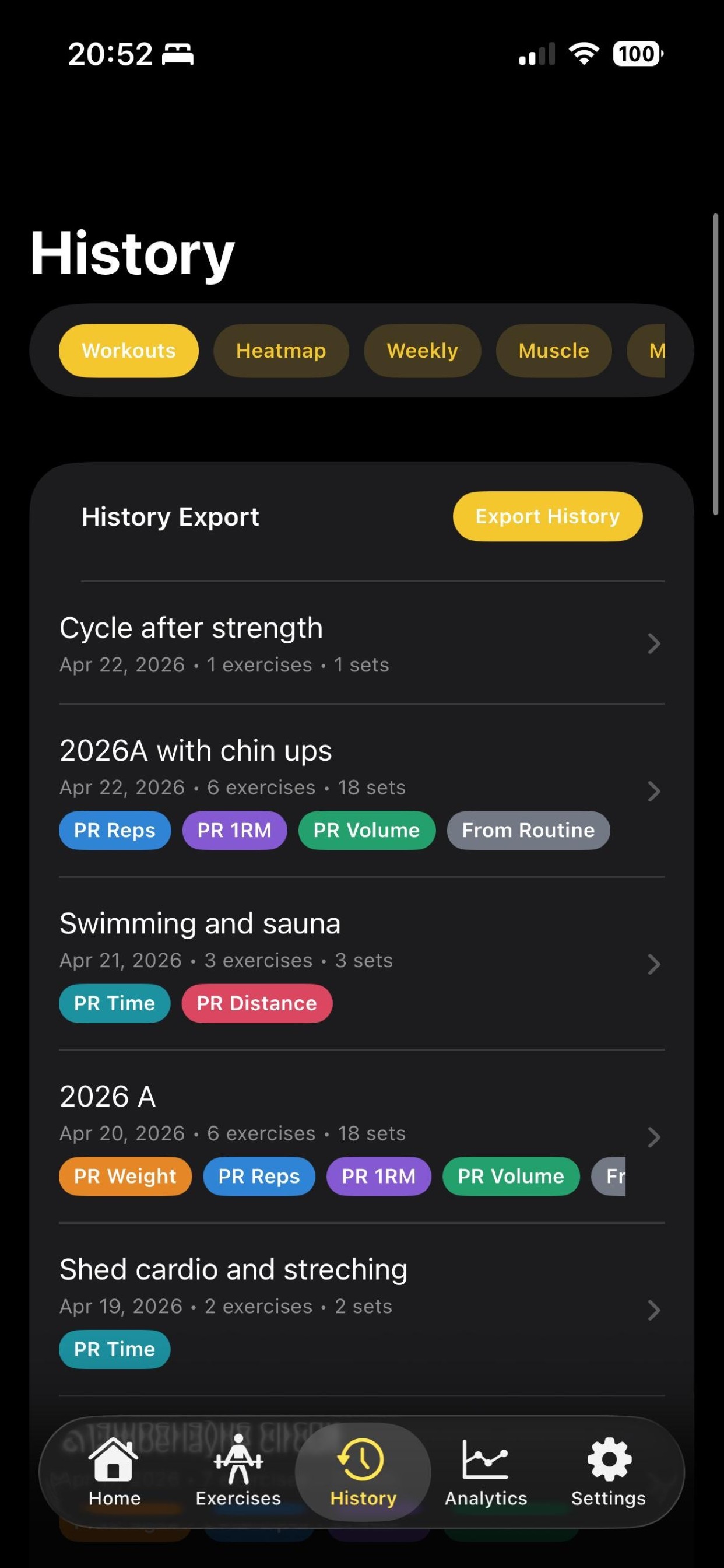
- Start with a clear app flow: Home, Exercises, History, Analytics, Settings.
- Use the app immediately with no account required.
Programming
Build Workouts Your Way
Start from scratch or from routines, then tune everything to match your actual training style.
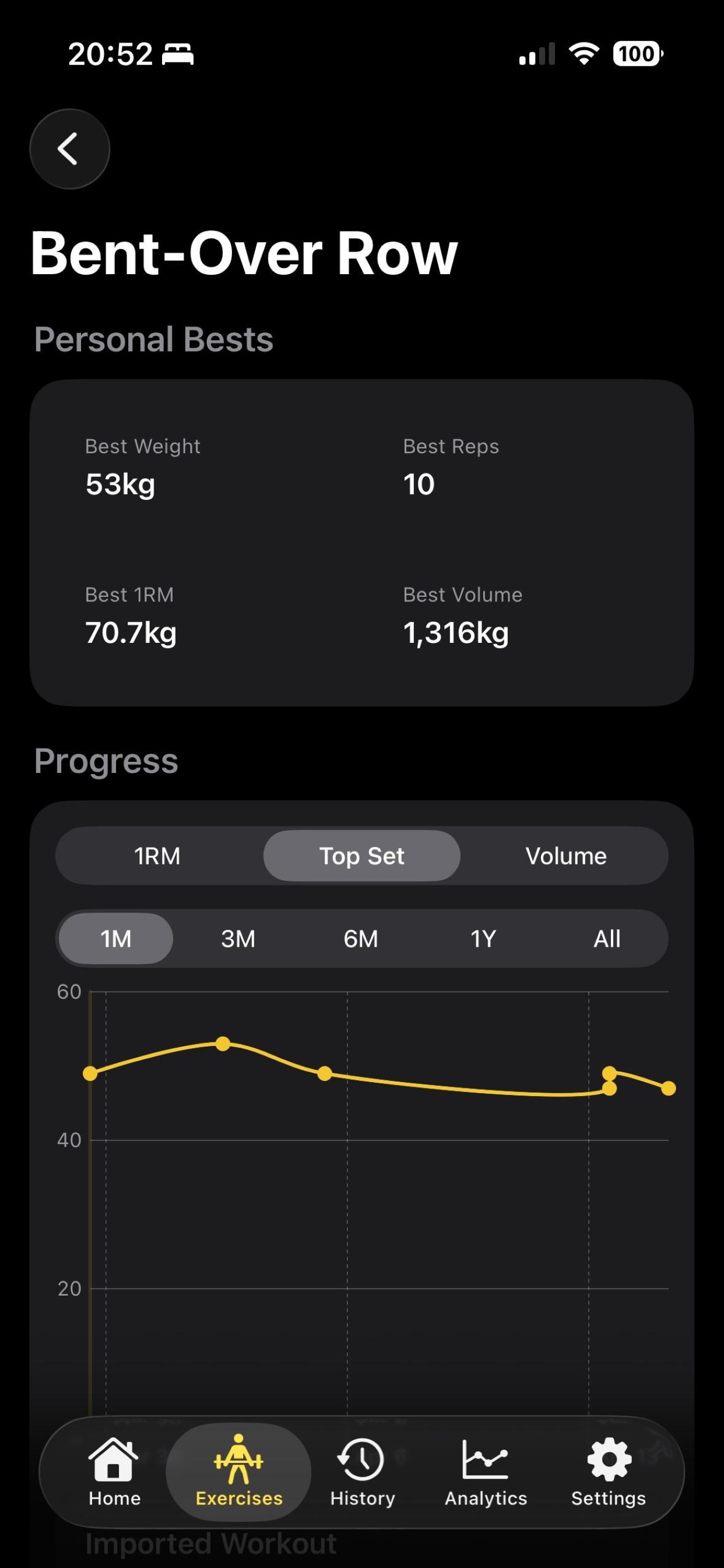
- Create sessions from a blank workout or from saved routines.
- Use the built-in exercise library for faster setup.
- Edit and maintain custom exercises when your plan needs specifics.
In-Session
Log Fast Mid-Set
The logging screen is built for training pace, not for tapping through twelve modal windows.
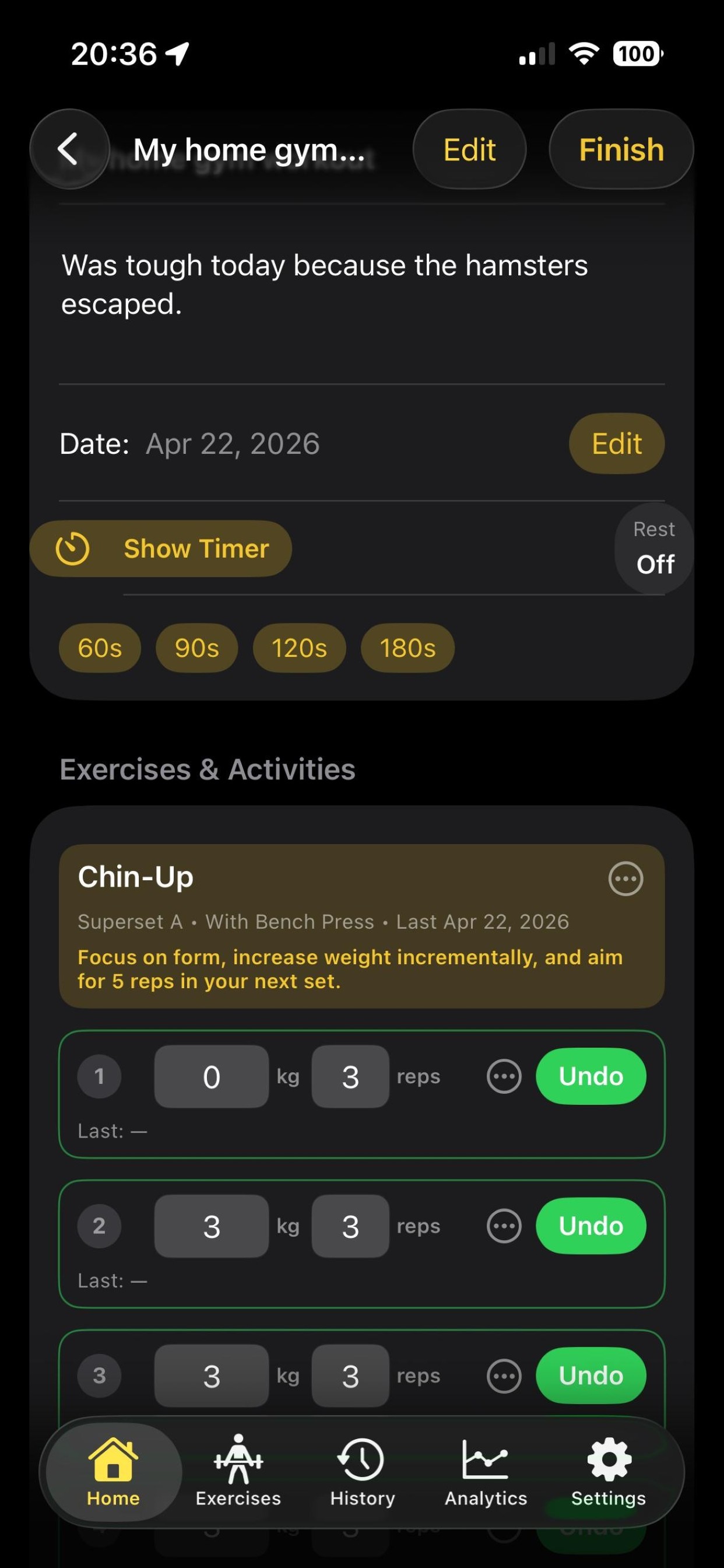
- Track sets with warm-up, normal, negative, assisted, and drop set types.
- Run supersets and reuse numbers with copy last workout values.
- Switch to minimal logging mode when you want less noise on screen.
Recovery
Rest Timer That Actually Helps
Keep rests consistent without babysitting your phone between sets.
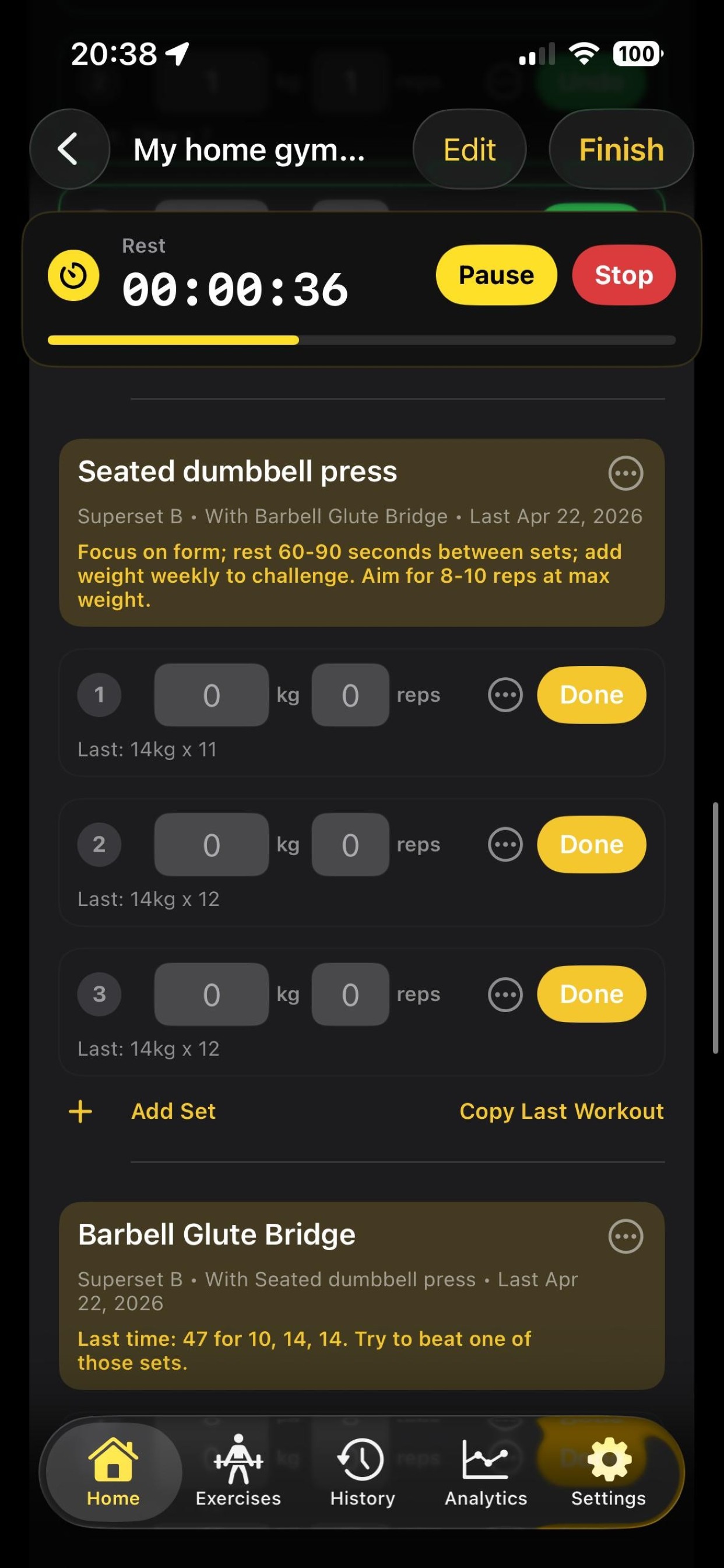
- Use timer presets and optional auto-start.
- Control sound and haptics independently.
- Follow rest with Lock Screen and Dynamic Island Live Activity support.
Post Workout
Session Reports Worth Reading
After each workout, see what moved, what stalled, and what beat last time.
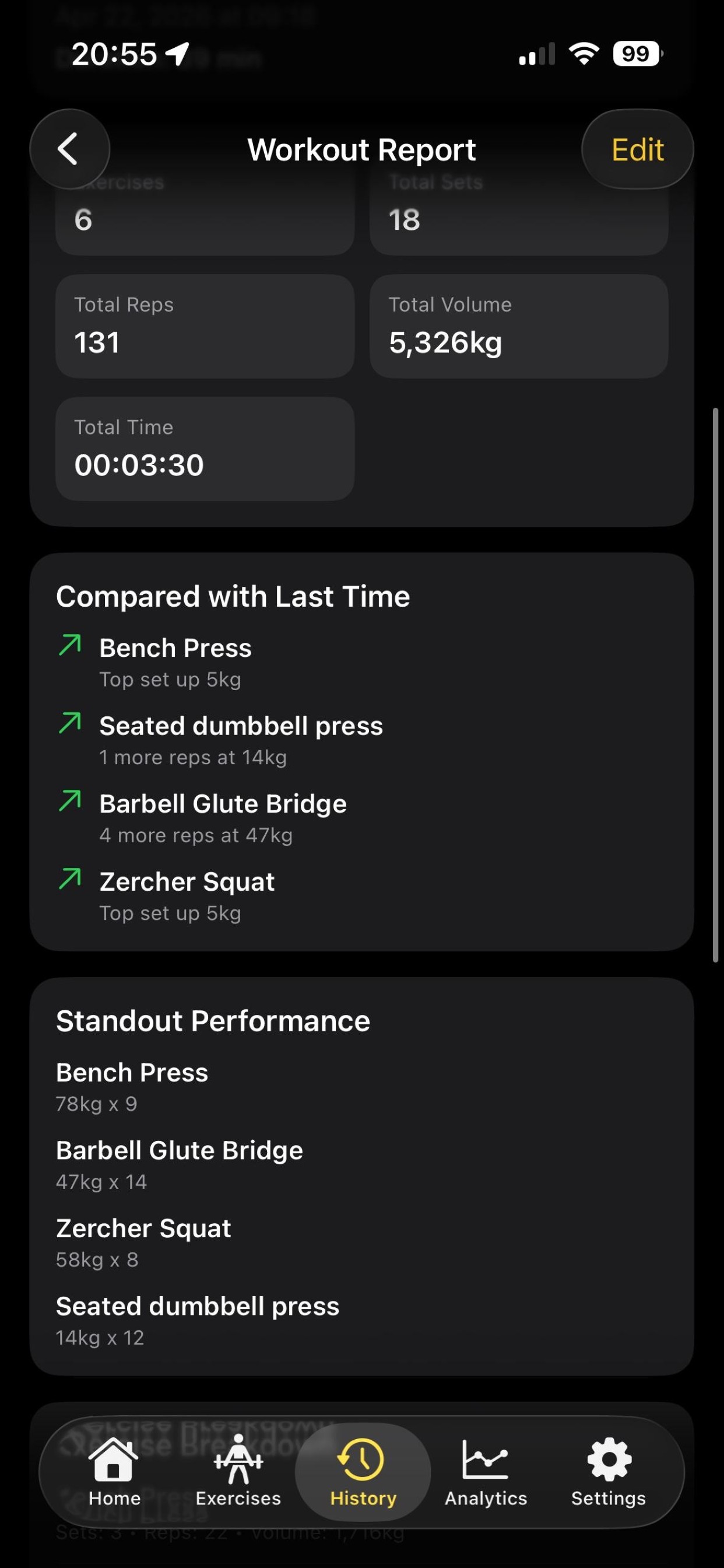
- Surface PRs automatically in workout reports.
- Highlight standout performance so progress is obvious.
- Get compared to last time context for each session.
Trends
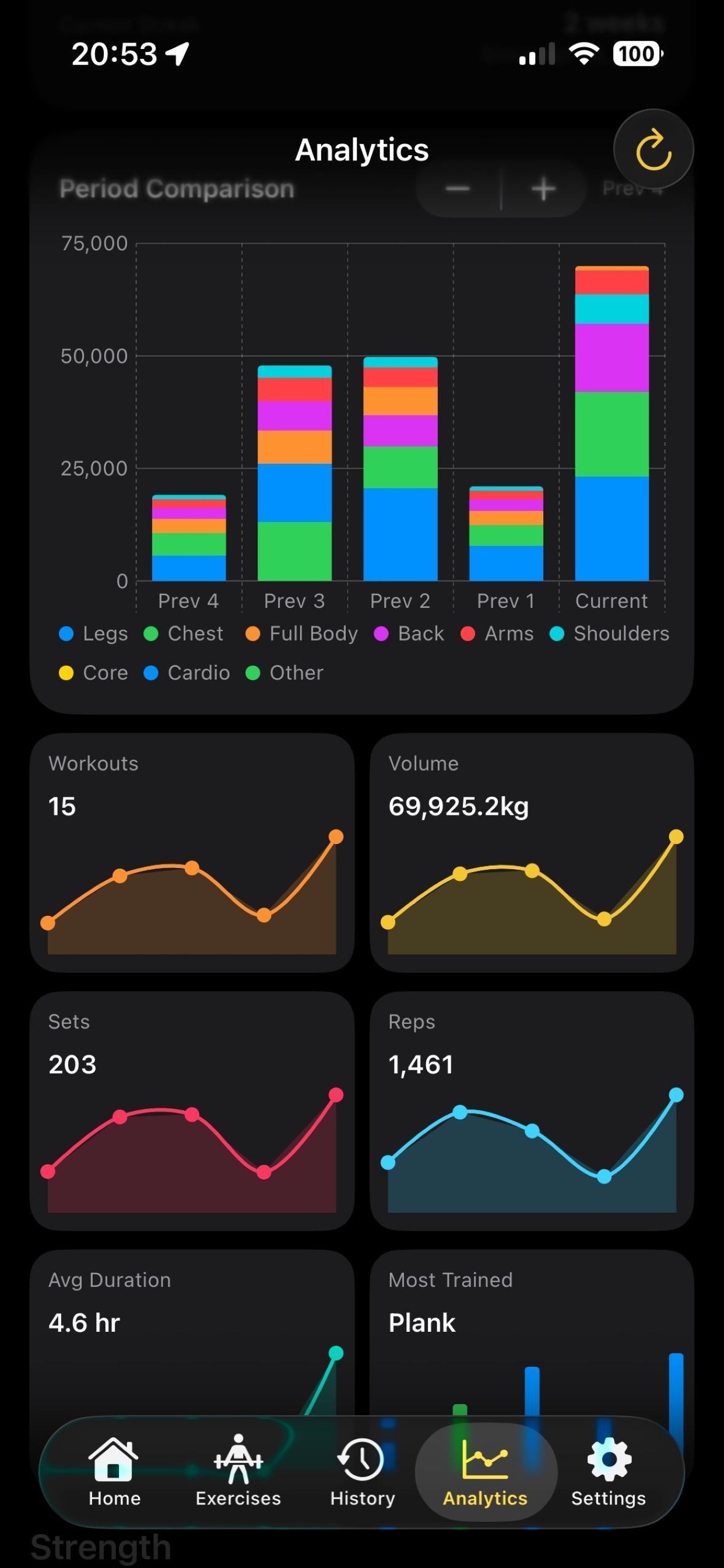
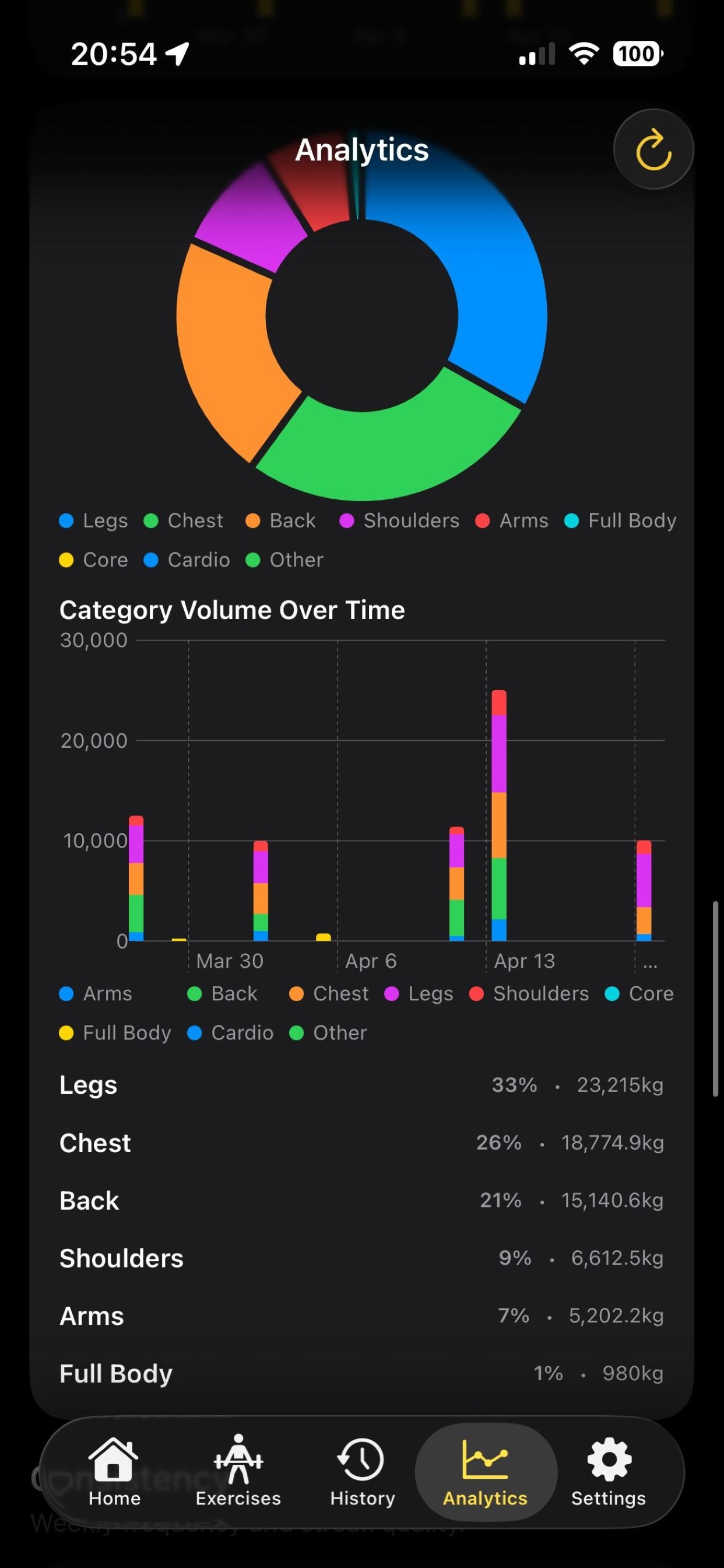
Analytics That Stay Practical
Useful trends without dashboard chaos, with optional enrichment where it helps.
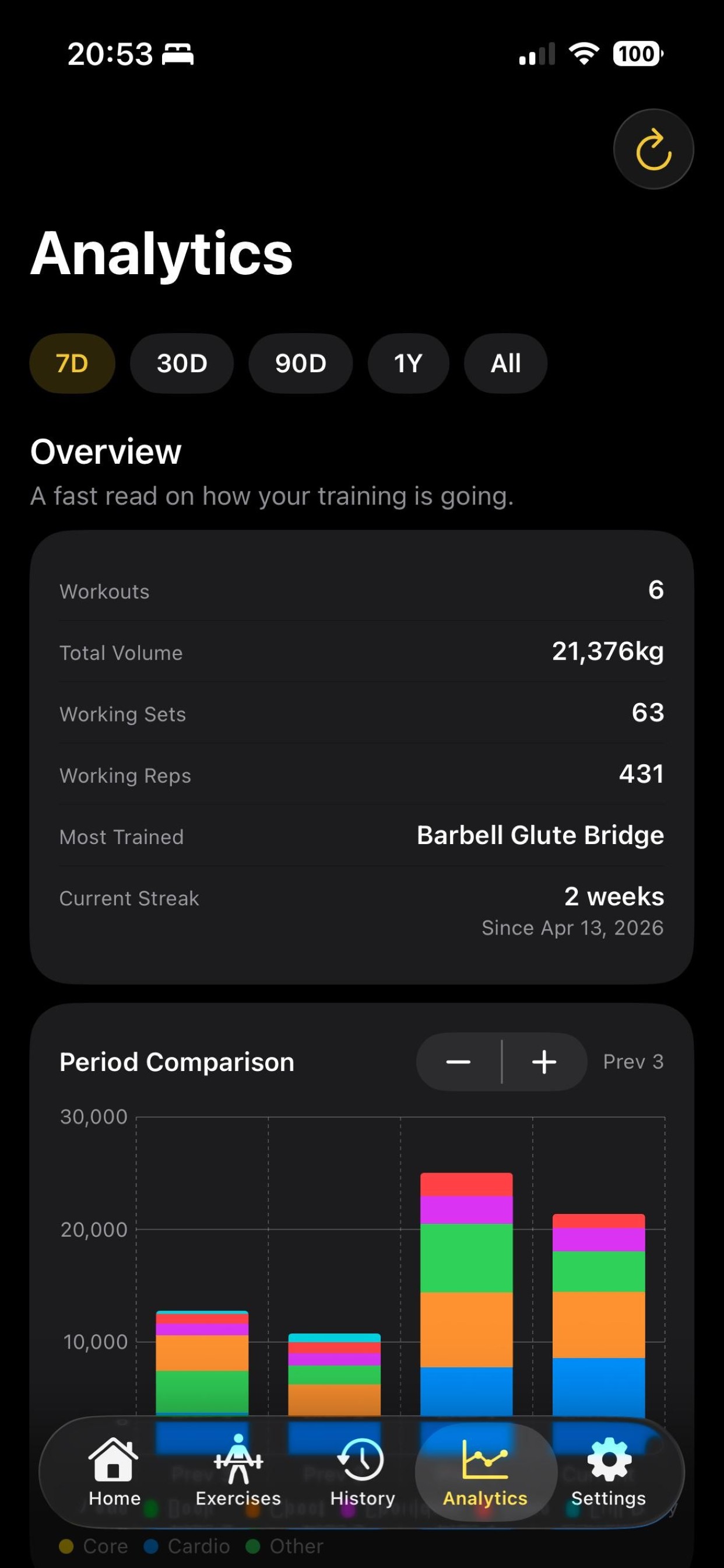
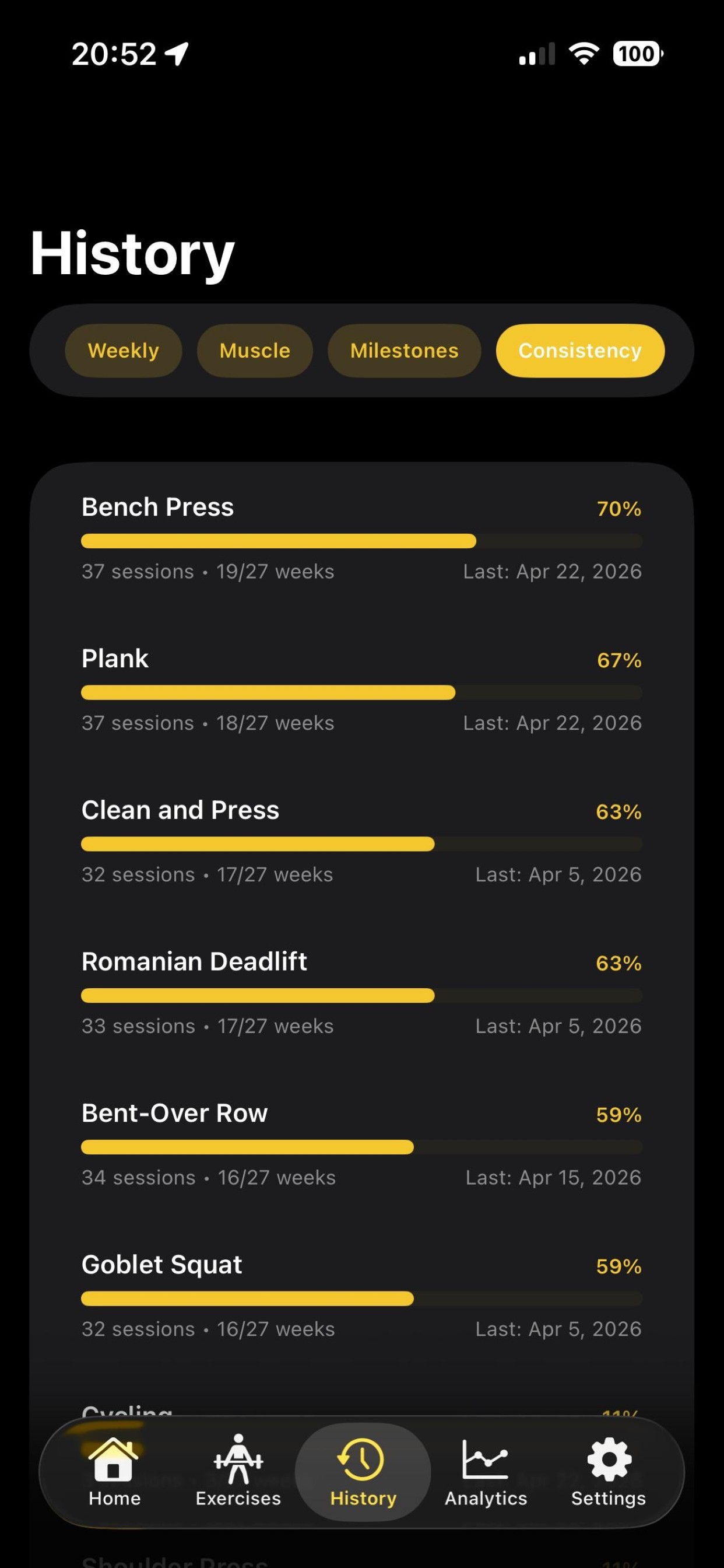
- Track volume trends, strength/PR progress, and consistency streaks.
- Optionally connect Apple Health for added metrics context.
- Use optional Apple Intelligence workout feedback on supported devices/OS versions.
Portability
Your Data, Your Call
Move data in and out safely, and sync only if you want to.
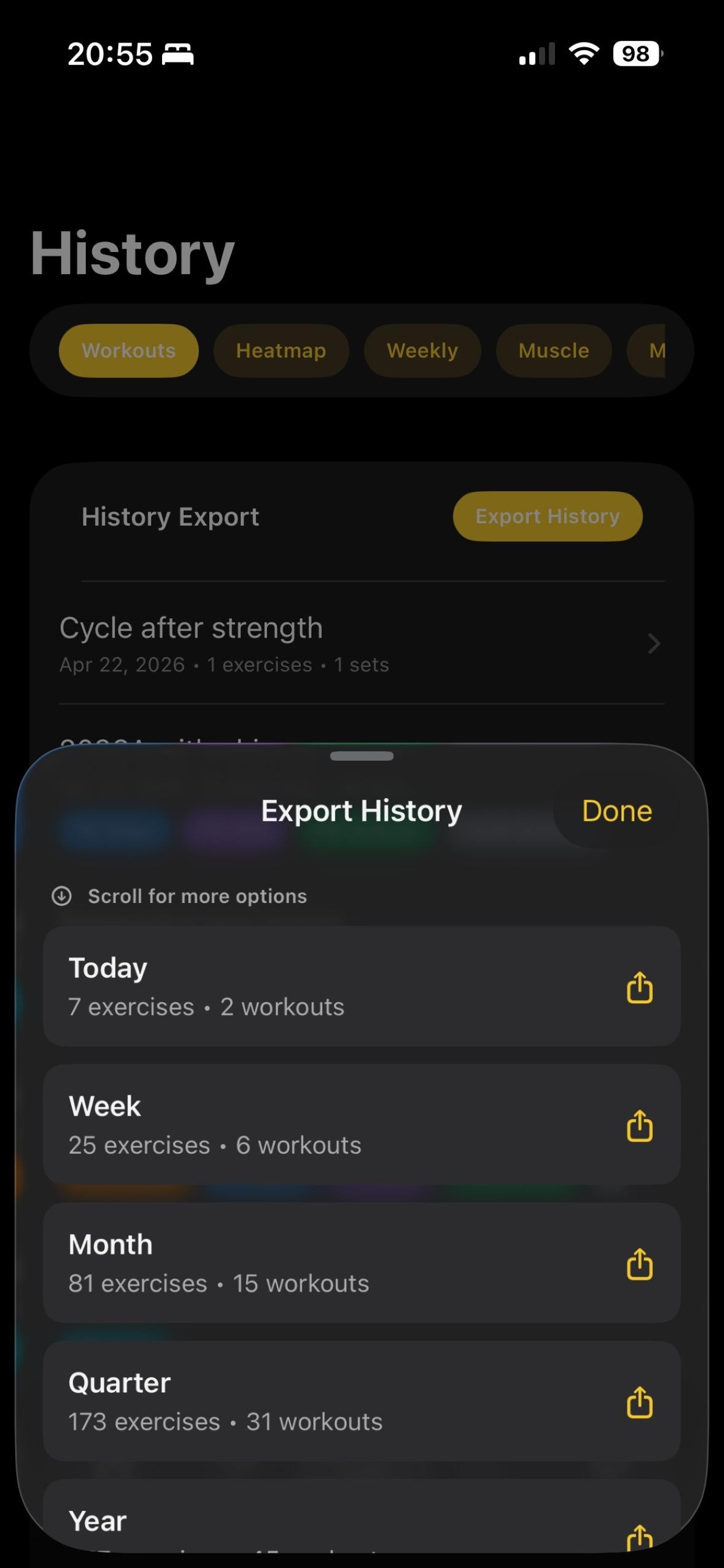
- Export JSON and CSV, plus import JSON backups.
- Import workout CSV with preview + warnings before committing changes.
- Optional iCloud sync: toggle on/off, sync now, force full sync, conflict-safe behavior, and local data remains usable without iCloud.
Support
Troubleshooting That Respects Time
When something goes weird, you can send useful diagnostics without guesswork.
- Export crash logs for support follow-up.
- Export app logs for deeper troubleshooting.
- Keep support practical with data you can actually share.